Skip to content
All resources
Choosing a solution11 min

A digital guide or your own app? Costs and a practical way to choose

Having your own app sounds like a natural symbol of an institution's digital maturity. It gives you control over branding and features, but it also means a separate product that needs to be designed, built, published and maintained for years to come. A shared platform offers another approach: first launch the content you need and see how visitors use it, then decide whether your venue really needs a solution built exclusively for it.

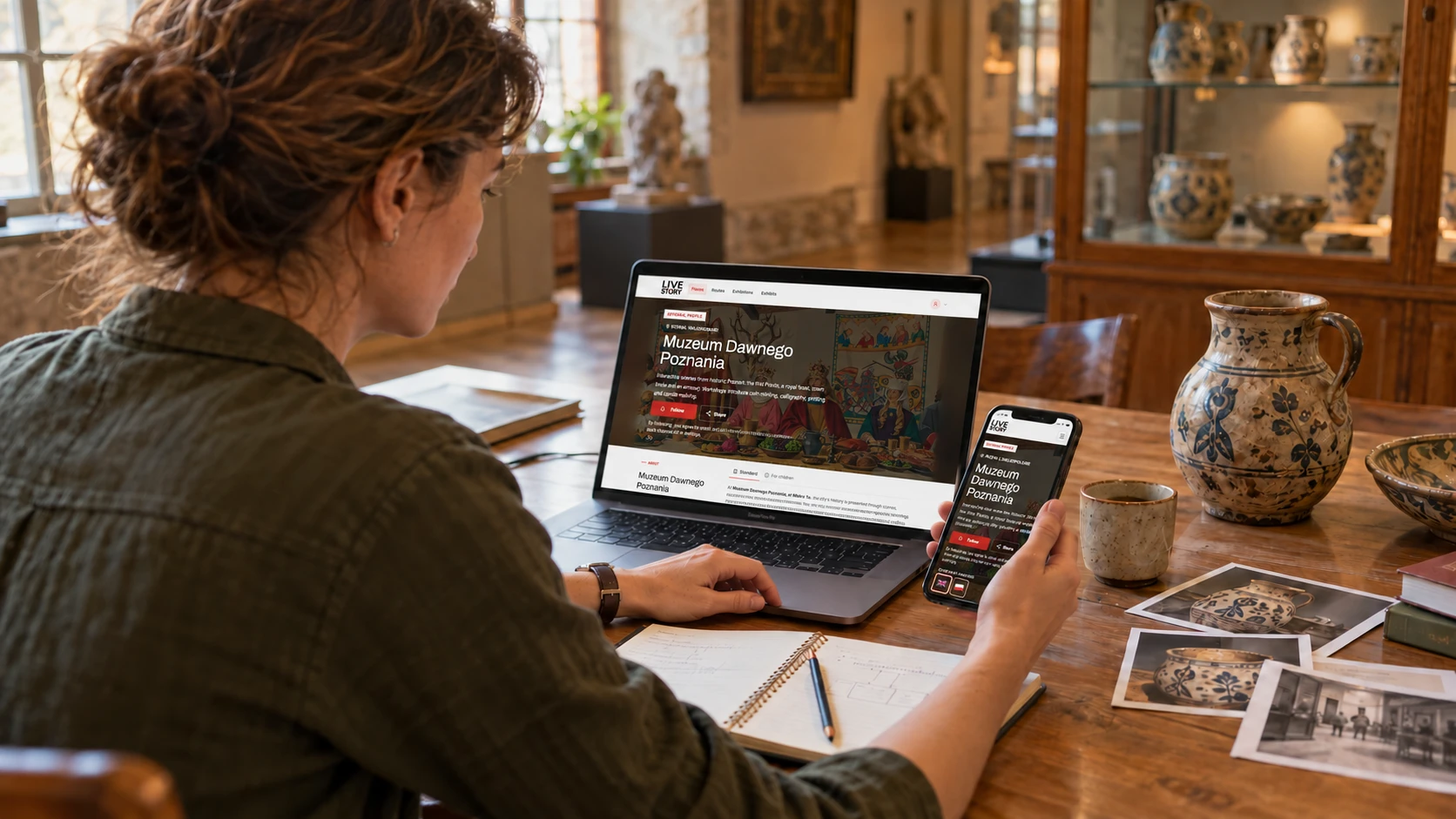
A museum staff member compares a digital exhibit description on a laptop and phone.
When choosing a solution, start with visitors' needs and the way your team works.

Do not start by asking "Do we want an app?"

First, establish which problem the digital guide should solve. Do visitors struggle to understand the context of the exhibits? Are language versions, audio or a family route missing? Does content quickly become outdated? Or does the venue want to stay in touch after a visit? Each of these needs leads to a different product scope.

Simply having an icon in an app store solves none of these problems. It is like ordering a beautiful display case before deciding what should go inside it. Start by describing how people will use the solution, the content and the team's workflow, and only then choose a tool.

The right question is therefore: "What is the simplest way to give visitors the right story in the right place, while enabling our team to develop it further?" Your own app is one possible answer, but it should not be the automatic choice.

In practice, you are comparing three approaches, not two

The first option is a simple website opened through a QR code. It works well for a few public descriptions, but as the number of routes, languages, recordings and staff grows, so does the need for a content management panel, analytics and shared navigation.

The second approach is a shared platform. The venue uses a ready-made visitor app, public pages and an administration panel while keeping its own profile, content, exhibitions, routes and signage. Features developed for many venues do not have to be commissioned from scratch by each institution separately.

The third option is your own mobile app with the necessary supporting systems. "Your own" means more than a different button colour. It usually includes experience design, an app for iOS and Android, a server or cloud services, a content management panel, analytics, testing, publication and subsequent updates.

  • A simple website: limited scope and few editorial processes.
  • A shared platform: ready-made functionality, your own content and a quick start.
  • Your own app: full control, but also full responsibility for the product.

How much can building your own app cost?

There is no single price for an app, because the term covers everything from a catalogue with a few screens to a complete system with accounts, payments, a map, offline mode and a staff panel. Clutch data from projects reviewed by clients can provide a reference point: most of the projects analysed fell between 10 000 and 49 999 dollars, but the average cost was around 90 780 dollars and the average project duration was around 11 months.

A GoodFirms survey of 167 app development companies indicated costs of around 24 830-59 150 dollars for a simple app and 59 508-137 150 dollars for an advanced solution. The Clutch and GoodFirms figures describe the general app development market. They are not a quote for a museum guide and should not be mechanically converted into an offer for a particular venue.

To compare offers, use a common, hypothetical scope: 10 points, two languages, one route and three years of use. Each supplier should price the same scope and identify what remains the venue's responsibility.

  • A website with QR codes: check the cost of creating the website, hosting and updates, and how you can edit the content yourself.
  • A subscription platform: include setup and subscription fees for the entire period, plan limits and any additional charges.
  • Your own app: include design, development of the app and administration panel, publication, infrastructure, updates and support.

For every option, add content preparation and translation, signage production, staff time, and the cost of exporting and transferring data when switching suppliers. Separate one-off expenses from recurring costs and check which items are already included in the price. Only this calculation allows you to compare three years of using each solution.

The most expensive chapter often begins after launch

An app does not become a finished exhibit on the day it is published. Apple and Google change operating systems, store requirements, privacy policies and device capabilities. Libraries need updating, bugs need fixing, security needs monitoring, new versions need testing, and someone needs to respond when an external service changes how it works.

GoodFirms reports an average annual maintenance and support cost of around 25% of the development cost, excluding new feature development and software scaling. This is a general reference point from app market research, not a maintenance rate for a museum guide. The scope and price of support must be confirmed in a specific offer.

Then there are cloud services, backups, monitoring, analytics tools, messaging, media storage and user support. Infrastructure costs may be low with little traffic, but they depend on usage. Firebase and similar services provide calculators precisely because one fixed amount cannot describe every case.

App store accounts themselves are a small part of the bill: the standard Apple Developer Program fee is 99 US dollars per year, while Google Play registration is a one-off payment of 25 US dollars. Apple notes that prices may vary by region. Preparing releases, testing, managing publication and maintaining compliance take more work.

  • updates and testing for new versions of iOS and Android
  • security, backups and error monitoring
  • hosting, multimedia, messages and other usage-based services
  • managing app stores, terms, privacy and user enquiries
  • development of the administration panel and new features

Having your own icon does not mean visitors will install the app

Your venue may be the highlight of a visitor's Saturday afternoon, but it is rarely the only institution they visit during the year. The request to find an app, install it, accept permissions and create an account usually comes when someone is already standing at the ticket desk or the first exhibit.

Your own app therefore needs to offer a clear reason to install it: a feature used repeatedly, a distinctive way to explore, access purchased in advance, or an experience that cannot be offered on a website. Descriptions and audio alone may not be enough. If every place people visited required a separate app, their phone screens would soon resemble a catalogue of coats of arms from an entire region.

A shared platform lowers this barrier. Users may already know the app from a previous visit, and they can also open public content without installing anything. The venue still has its own space and branding, but it does not ask visitors to begin the relationship by downloading yet another app.

A shared platform spreads the cost without diluting the venue's story

The greatest value of a shared platform is not that every venue looks identical. It is about reusing things that do not make sense to build separately: login, language support, audio, QR codes, routes, accessibility, analytics, notifications and a staff app. The availability of these features depends on the solution and plan you choose, so check them in the specific offer. The venue invests primarily in its own content and the visitor experience.

When the system is updated for a new phone version or receives an accessibility improvement, all venues benefit. The product's cost is spread across many customers rather than appearing on a separate invoice for each institution. It is a model similar to shared exhibition infrastructure: the frame may be standard, but the picture remains your own.

The platform also creates a network effect. Someone who first used it at an open-air museum can later use the same profile and familiar controls at a botanical garden, a castle or along an urban trail. For an individual venue, this means a lower barrier to adoption; for visitors, a more predictable experience.

The limitation is less freedom to design completely unusual features. In return, the team does not have to manage its own release cycle, infrastructure or compatibility with every new device. For many small and medium-sized venues, this trade-off simply makes more economic sense.

First see how people behave, then fund a major product

The safest decision is based on actual use rather than a presentation in a meeting room. Live Story lets you launch a public profile, a few or a dozen or so key points, and one route without starting a separate IT project. The Community or Lite plan can serve as a real-world pilot.

After a few weeks or months, the venue knows more: which codes get scanned, whether people listen to audio, which languages they choose, where they leave the route and what they ask staff. You can also check whether the team has the time and materials needed to develop the content regularly. This matters because even the best app cannot write a good story for an institution without sources and editorial decisions.

If the ready-made functionality solves the problem, you can upgrade the plan and add more routes, access options, groups or communication features. If the pilot reveals a truly unique requirement, the test data becomes the basis for a much better brief for your own app.

  1. Choose one specific problem

    For example, a missing language version, exhibition context that is hard to understand, or an unclear visiting order.

  2. Launch with a small scope

    Prepare one route and the key points rather than transferring the entire collection catalogue straight away.

  3. Measure usage and gather feedback

    Check scans, plays, completions and the questions visitors ask staff on site.

  4. Make a decision based on data

    Keep the current scope, choose a larger plan or prepare requirements for your own solution.

When your own app really makes sense

Having your own app is not a bad idea. It can be the best solution for a large institution or network with unique processes, a strong brand, many returning users and a team capable of developing the product for years. It may be needed for specialist equipment, extensive AR, unusual indoor positioning requirements or integrations that the platform does not support.

However, the budget must cover more than the launch. The institution needs a product owner, a process for creating and approving content, responsibility for data, a support plan and funding for future versions. Without these, your own app can quickly become a digital gallery closed for renovation.

If most needs involve descriptions, audio, languages, QR codes, routes, quizzes, access and contact after a visit, a shared platform usually lets you reach the goal faster and at a lower cost. Importantly, the choice does not have to be final. A pilot on Live Story can confirm the value of a larger plan or provide evidence for building a separate product.

Checklist before commissioning your own app

  • We need a feature that cannot reasonably be supported by a ready-made platform.
  • We can clearly explain why visitors would install a separate app.
  • We have a product owner and a team responsible for development after launch.
  • The budget covers maintenance, testing, infrastructure and future versions.
  • The content, language versions and editorial process are ready for ongoing work.
  • We have run a pilot and understand how real users behave.

Sources and further reading

Technical information and accessibility principles used in this guide:

Let's talk

Test the idea before commissioning the whole product.

Launch your first route in Live Story, see how visitors use it, and only then choose a larger plan or decide to build your own app.