Skip to content
All resources
Content creation8 min

How to write an audio guide script: from an exhibit description to a story

Start with one idea you want visitors to remember. Choose facts that explain it, write them in conversational language and read the text aloud. Then test the recording beside the exhibit with someone unfamiliar with the subject. Below, we show you how to work through these steps using the SKOT WPT from Społeczne Muzeum Militarne at Fort No. 9 in Wrocław.

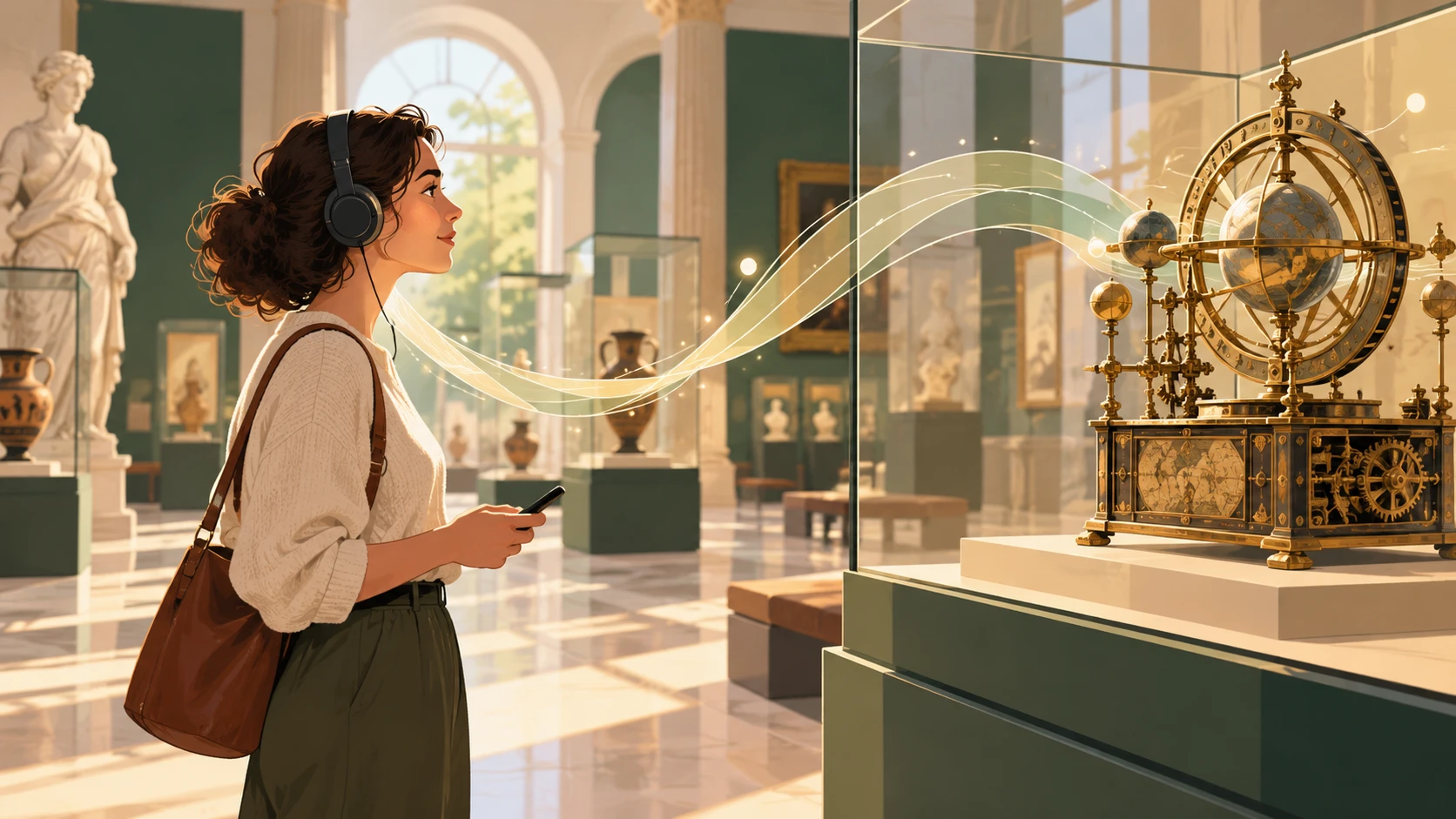
Illustration of a woman wearing headphones, holding a phone and looking at a historic astronomical model in a display case. Streaks of light symbolise the audio story.
A good audio story helps visitors explore an exhibit and understand its history. AI-generated illustration.

Decide what visitors should understand

You have an exhibit description, but when read aloud it sounds like a catalogue entry. Dates are mixed with specifications, and listeners only discover what the object was used for at the end. Start by writing down one idea: “After listening to this stop, visitors will understand that…”.

For the SKOT WPT, the answer is: the vehicle helped recover damaged personnel carriers and repair them in field conditions. Choosing details now becomes easier. The crane and tools explain how the crew could assist other vehicles.

Decide who you are speaking to, too. A military vehicle enthusiast may know the abbreviation WPT. A family seeing the vehicle for the first time needs it explained: wóz pogotowia technicznego, meaning a technical assistance vehicle. Explain the term when you first use it, then simply say “vehicle”.

If your main idea takes up half a page, choose one topic. Save the others for further detail. We discuss choosing stops for the whole visit in our guide to a first digital trail for a small museum.

Choose the information the recording needs

Next to each fact, note what it explains to the listener. The crane’s lifting capacity describes its capabilities, while the racks for parts and workbenches show how the vehicle was equipped for repairs. The full version designation will help someone who wants to identify the vehicle precisely.

For a short recording, choose the vehicle’s purpose and a few details about its equipment. You can put the year it was developed, the institute’s name and the remaining specifications below the recording under “Technical specifications”. Interested visitors can read more there.

Each stop should also make sense to someone who skipped the previous recording. Explain the vehicle’s basic function here. Alongside the audio, provide a transcript: a written record of what is said in the recording. An additional description can expand on the subject with facts you leave out of the narration.

Rewrite the description in spoken language

We prepared both texts below using information supplied by the museum. The starting description is an editorial example, not a quotation from an exhibit label. The example concerns the equipment of the WPT variant. Before using it with a particular exhibit, check which components survive and are accessible to visitors.

Starting description

The SKOT WPT (SKOT S-260-WPT) is a technical assistance vehicle developed in 1969 at Wojskowy Instytut Techniki Pancernej i Samochodowej. It was intended to recover damaged SKOT personnel carriers and carry out makeshift repairs in field conditions. This variant’s equipment included a folding crane with a lifting capacity of 800 kg, an operating radius of 1.8 m and a lifting height of 3.6 m, a winch and a rigid tow bar. Racks for parts and tools and workbenches were installed in the troop compartment. The crew consisted of five soldiers. The vehicle had no onboard armament.

Version for listening

What do you do with a personnel carrier that needs repairs in the field? That was the job of the SKOT WPT, a technical assistance vehicle. Its five-person crew helped recover damaged vehicles and carry out makeshift repairs.

A folding crane was used to lift heavy components. It could lift up to eight hundred kilograms. This variant also carried a winch and a rigid tow bar, needed for vehicle recovery.

The interior was adapted for the crew’s work. The section where personnel carriers transported soldiers contained racks for parts and tools, along with workstations. The vehicle had no onboard armament. Its role was to provide technical assistance.

The opening presents a problem that is easy to understand without knowing the vehicle. Only then does it introduce the name and equipment. The question has a specific purpose: it gives listeners a reason to take an interest in the crane and tools. You do not need to start every recording this way. You could also begin with a surprising use of the object or a detail visible in the exhibition, provided you have verified information.

We replaced “troop compartment” with a description of its function and gave the lifting capacity its own sentence. The version designation, development date and remaining specifications can stay in the extended material. Keep technical terms where they help name a component or explain how it works.

A template for your first story

Answer four questions in your own words:

  1. What might interest someone seeing this object for the first time?
  2. What was it used for, or why was it created?
  3. Which detail best explains this?
  4. What should listeners remember after leaving the exhibit?

Arrange your answers into a short text and read it aloud. Mark the places where you lose the meaning or need to return to the beginning of a sentence. Separate multiple ideas, remove a distracting aside and replace an unclear “it” with the object’s name. At the exhibit, visitors will be looking and listening at the same time.

Connect the narration with looking at the exhibit

Take your working script to the object. Check where visitors will start the recording and what they can see from there. The instruction “look at the crane” will work if listeners can identify it. Leave a moment afterwards for them to find the detail.

Simply saying “on the left” can be unclear because the direction depends on how the listener is positioned. Refer to a recognisable feature and test the instruction with someone unfamiliar with the exhibition. Check the rules for access to interiors before inviting anyone inside, too.

Consider how to convey the story’s meaning to someone who cannot see the detail you mention. A short explanation of its shape or function may also be useful when a group of visitors is standing in front of the display case.

Check the length with a trial reading

Make a test recording on your phone at the pace you want to use. Leave pauses for looking at details and taking a breath after a more demanding passage. Time the whole recording, then listen to it beside the exhibit.

For each version, note the reading time and the passages that needed improvement. Comparing two attempts will show you what you gained by removing a secondary topic. A word count alone does not account for pauses or the time needed to look around.

Match the length to what visitors need to see and understand. A complex mechanism may need to be examined in several stages. Take the neighbouring stops into account as well, so the whole trail fits within the planned visit time.

Ask someone who was not involved in preparing the text to explain, in their own words after listening, what the vehicle was used for. Ask what was unclear and when they wanted to move on. If the recording drags, remove a secondary topic. Having the narrator speak faster may only make it harder to understand.

Prepare the material for recording

Agree on the pronunciation of surnames, local names and abbreviations. Keep instructions for the narrator separate from the text to be read. In our example, we use “skot” as one word and spell out “wu pe te”. We write the number 800 in words, in a form that fits the sentence: “up to eight hundred kilograms”.

Give the narrator a clean script and a copy with notes. Instructions in square brackets are not spoken. The beginning of the script could look like this:

An excerpt with notes for the narrator

[Relaxed, as if giving a tour. Read SKOT as “skot” and WPT as “wu pe te”.]

What do you do with a personnel carrier that needs repairs in the field?

[Short pause.]

That was the job of the SKOT WPT, a technical assistance vehicle. Its five-person crew helped recover damaged vehicles and carry out makeshift repairs.

After recording, compare the transcript with the finished file. Include changes approved during the session and any sounds that are important for understanding. Make the transcript available at the player or through a clearly visible link beside it. You can find details in the W3C WAI guidance on transcripts.

Check how to mark pauses in speech synthesis in the instructions for your chosen tool, for example in the ElevenLabs documentation.

Add to the story where showing something helps

When writing the script, mark passages that are easier to understand after seeing a movement or detail:

  • A video can show how a mechanism works, how an object is used or how it is made.
  • A 3D model can let visitors examine an inaccessible side of an object, provided that side has been modelled and can be displayed.
  • A map can help visitors find the exhibit and the next stop, especially in a large outdoor exhibition or an open-air museum.

For each addition, ask: what will visitors learn from it more easily than from the recording? If the object is in front of them and they understand the story, another item on the screen may be unnecessary.

Check the recording before publication

Do the final listening check using the finished file, on a phone and beside the object. A subject specialist should check the facts, while someone unfamiliar with the script should check how easy it is to understand. For the SKOT WPT, ask what kind of assistance its crew provided.

Save the approved text together with the recording and the date of the check. After changes to the exhibition, you will know which version to return to. To prepare signs that lead visitors to the finished content, follow our guide to QR codes in museums, open-air museums and gardens.

Before making the recording available to visitors

  • The main idea is clear without knowing museum terminology.
  • The facts and the description of the exhibit’s condition have been checked.
  • Names, abbreviations and numbers sound correct in the finished file.
  • Directions match what visitors can see and where they are allowed to go.
  • The pace and pauses allow visitors to look at the object while listening.
  • The transcript matches the recording and is available at the player.
  • Additional media are available and help explain a specific passage.

Basis for the example: “Correction to the description of the SKOT WPT and information on the variant’s equipment”, correspondence supplied to the editorial team by Społeczne Muzeum Militarne Fort nr 9 in Wrocław, 24 October 2026. Non-public material.

Sources and further reading

Technical information and accessibility principles used in this guide:

Let's talk

Prepare your first audio story

Choose one exhibit, rework its description and make a test recording. If you want to use this material in a Live Story guide, let’s talk about the first trail for your venue.